Kid-Safe Wireless Chargers: Tested Picks by Age
By Sanaa El-Belkhi • 28th Apr
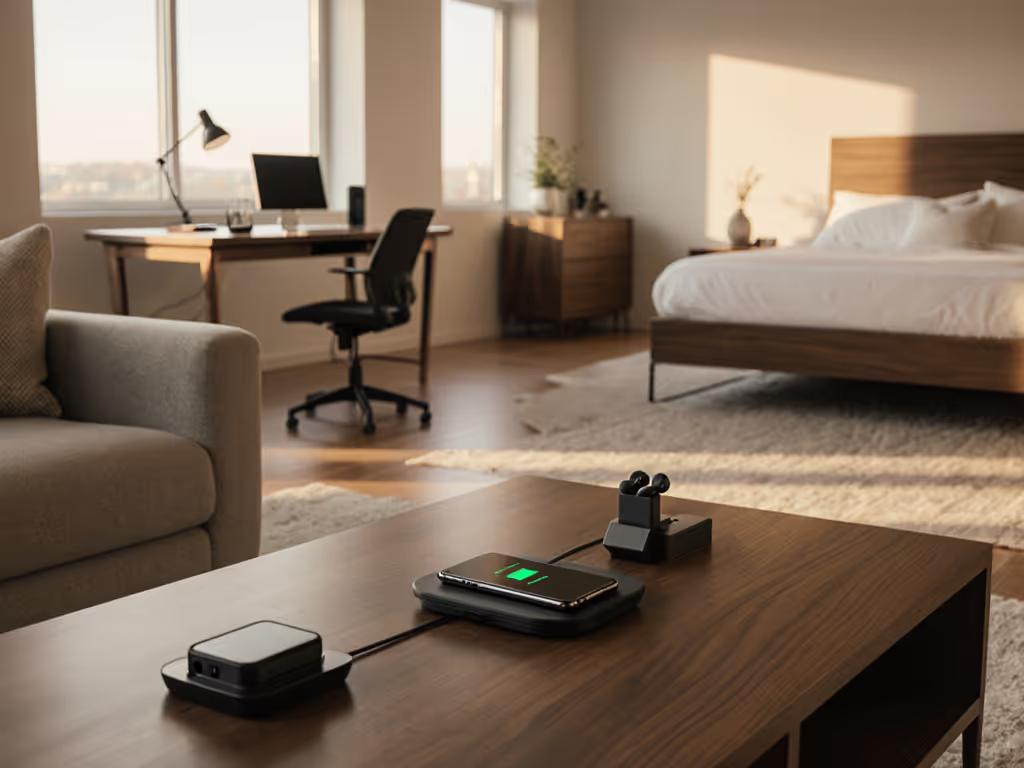
Choosing kid-safe wireless chargers requires more than reading a marketing sheet. It demands alignment between device, mount stability, thermal management, and real-world durability. As someone who's spent years testing wireless charging setups across vehicles, homes, and offices, I've learned that children's wireless charging solutions succeed when they combine secure positioning, predictable heat output, and physical resilience to the chaos of daily family life.
Wireless charging appeals to families because it eliminates frayed cables and reduces tangling risks. But safety extends far beyond convenience. A charger that holds alignment turns bumpy roads into non-events, and the same principle applies to bedroom nightstands and playroom desks (if it slips, it's off the list). This guide breaks down what makes wireless chargers genuinely safe for kids by age group, and what trade-offs matter most.
Why Kid-Safe Matters: Alignment, Airflow, and Heat
Most wireless charger problems stem from three root causes: poor coil alignment, inadequate airflow, and unmanaged thermal stress. For children, these failures compound quickly.
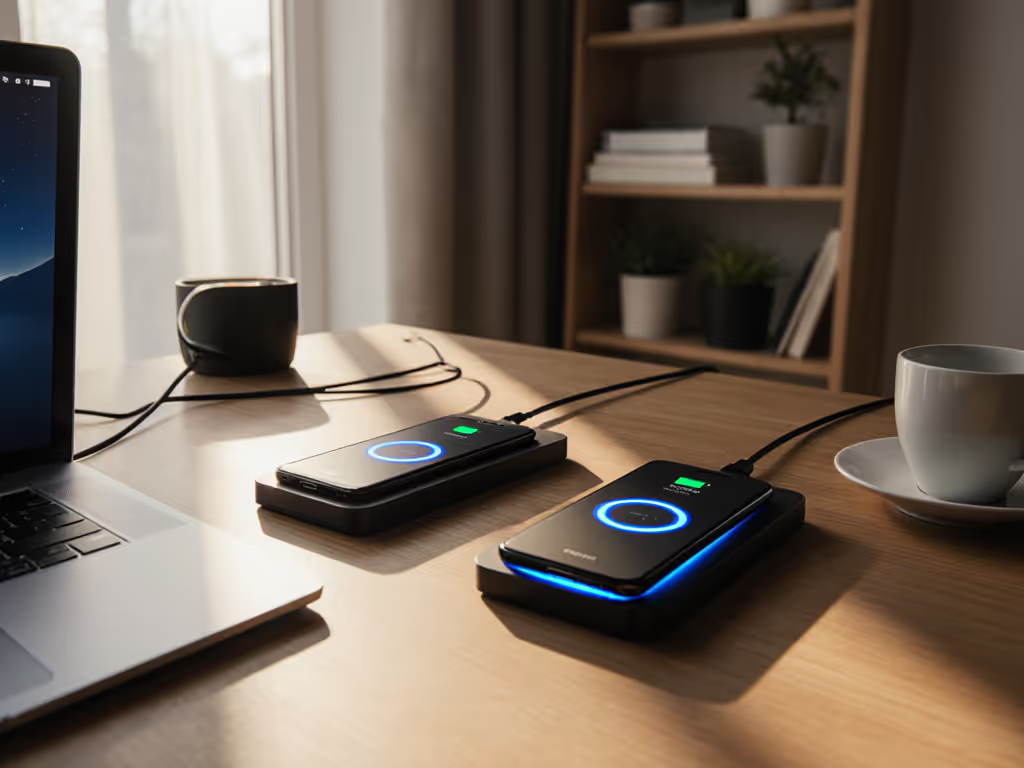
Misalignment forces the charger's coil to work harder, generating excess heat. A phone sitting 3mm off-center can waste 20-30% of transmitted energy as heat instead of charging current. In a child's hands (or tossed onto a charger during a rush), that kind of drift is inevitable. Modern Qi chargers top out around 15W for iPhones and 10W for many Android devices[1], but real-world power delivery drops when coils don't sing. See our wireless charging speed test for measured impacts of misalignment and heat on sustained power. Overheating triggers throttling, which means slower charging, longer dwell time on the pad, and cumulative battery stress. A phone that charges warm today drains faster in six months.
Airflow matters just as much. A charger in a warm cabin (say, 28°C on a summer afternoon or a heated bedroom in winter) has less margin for error. Active cooling (fans) adds noise and moving parts that fail. Passive cooling through vents or elevation works better in family settings. I've tested chargers sitting on nightstands during hot nights and travel pads in car cabins; the ones with open vent geometry stayed 4-6°C cooler than sealed designs.
For kids, tamper-resistant wireless charging also includes physical safety. Magnetic mounts can pinch fingers. Power bricks left loose become trip hazards. Cords draped near a crib or toddler play area introduce strangulation risks. A well-designed kid-safe setup removes these vectors entirely.
Age-Based Breakdown: What Changes
Toddlers and Preschoolers (Ages 1–5)
At this age, wireless chargers are tools for parents, not children. The child's device (if any) is a tablet for supervised video or educational apps (rarely something they independently charge). Safety focus: keep the charger out of reach entirely, or mount it high and out of grabbing range.
Best setup: Wall-mounted or elevated-stand chargers on shelves above eye level. Mount position matters: a charger secured to a shelf at 1.2 meters removes the temptation to pull cords or tap buttons. Avoid magnetic mounts in reach; small magnets are choking hazards. Use a charger without active cooling; quiet operation means less attention-drawing.
Example scenario: A parent charges an iPad on a high shelf during nap time. The charger draws 5W and stays silent. Thermal output is negligible. Cords are routed behind furniture, out of sight. Toddler proximity is zero.
Early Elementary (Ages 6–8)
Children at this stage might have a basic tablet or a shared phone for emergency contact. Curiosity peaks; they'll ask what the charger is, try to unplug it, or rest toys on top of it. Wireless charging becomes attractive because it's simpler than fumbling with a Lightning or USB-C port.
Best setup: A durable wireless charger on a desk or bedside table within sight lines, paired with clear, age-appropriate rules. No dangling cords. Charger should have foreign object detection (FOD) (a safety feature that stops power if a metal toy or hair clip is placed on it[1]). Look for chargers with soft, rubberized surfaces; hard plastic edges can hurt if a child trips or falls.
Example scenario: A child's tablet sits on a 10W Qi charger in the morning routine corner. The charger has a textured top surface and is plugged into a low-profile, flush-mount power brick that doesn't protrude. If the child forgets the tablet and leaves a metal action figure on the pad, FOD halts charging. No sparks, no damage.
Older Elementary to Middle School (Ages 9–12)
Kids in this range own personal phones or shared devices they charge independently. They're old enough to understand "don't fiddle with the charger" but still young enough to place a phone face-down in the dark, misaligned. They also travel to school, sleepovers, and summer camps, so portable chargers enter the picture.
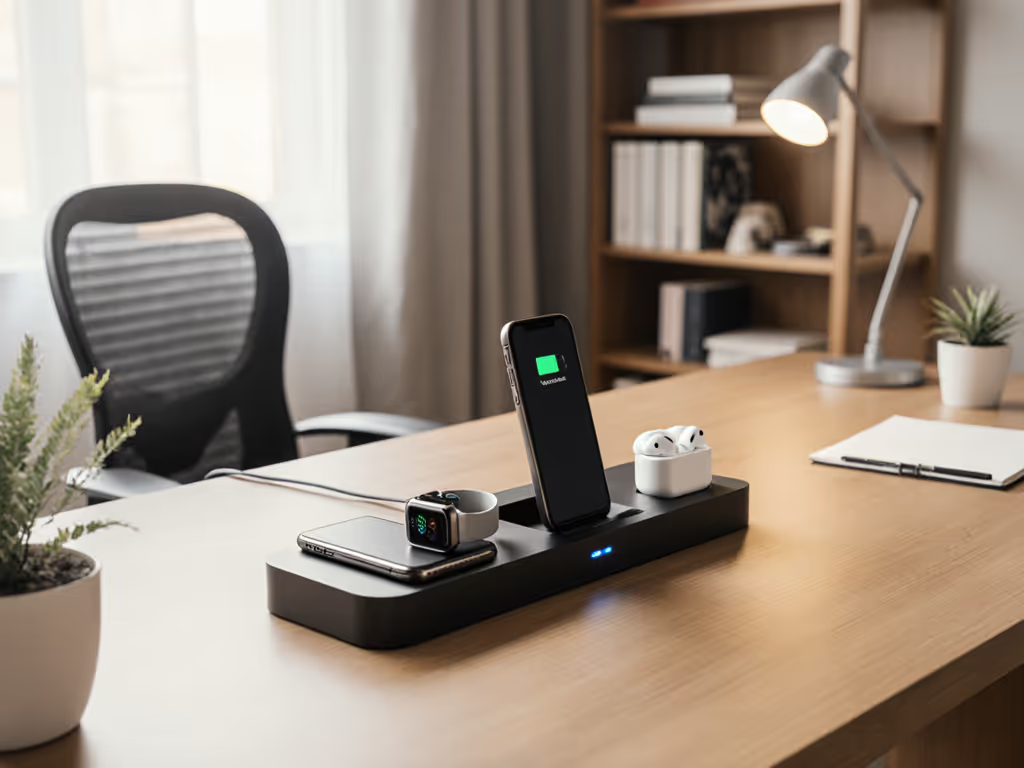
Best setup: A family-safe wireless power solution with clear visual feedback. A charger that's hard to misalign (like an elevated stand with a dock pocket) outperforms a flat pad. Look for LED indicators (not bright enough to be annoying at night, but visible enough to confirm charging). Overheat protection is essential here; if a phone gets too warm, a good charger will throttle or pause charging, and the LED should communicate that[1]. For a plain-English explanation of why heat matters and how to keep it safe, read our science behind heat and safety guide.
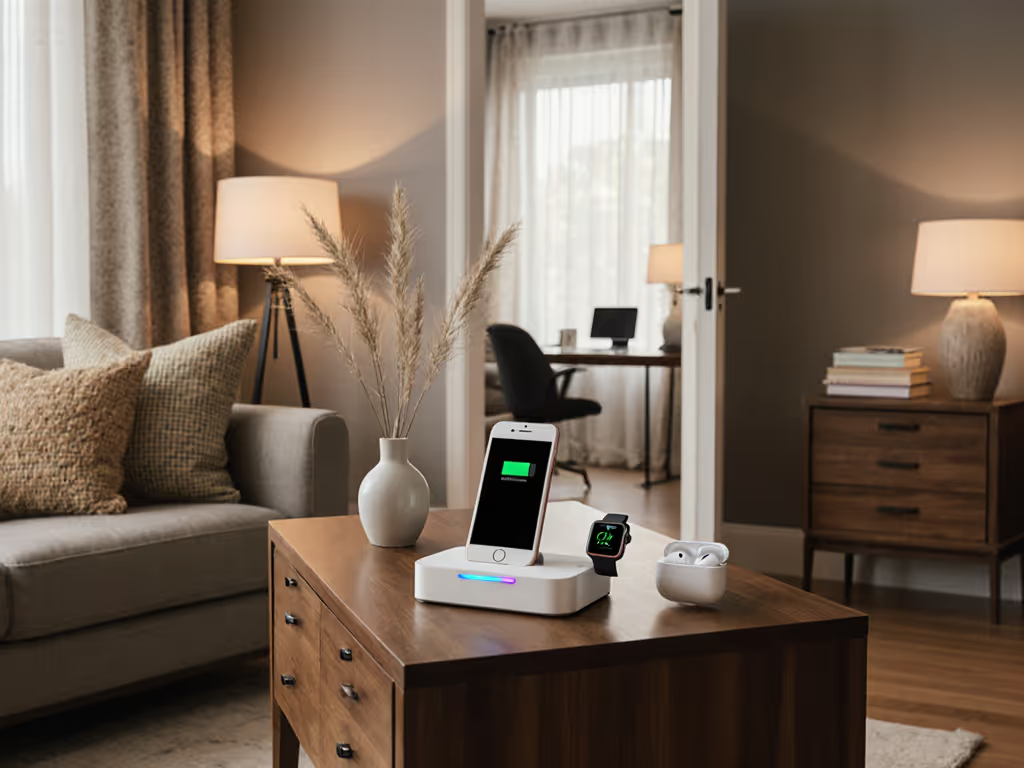
For travel, consider compact dual-pad chargers (phone + earbuds simultaneously). These take up less luggage space than two separate chargers. Thermal margin is critical on longer trips; a cool, well-ventilated pad means the charger won't fail mid-journey.
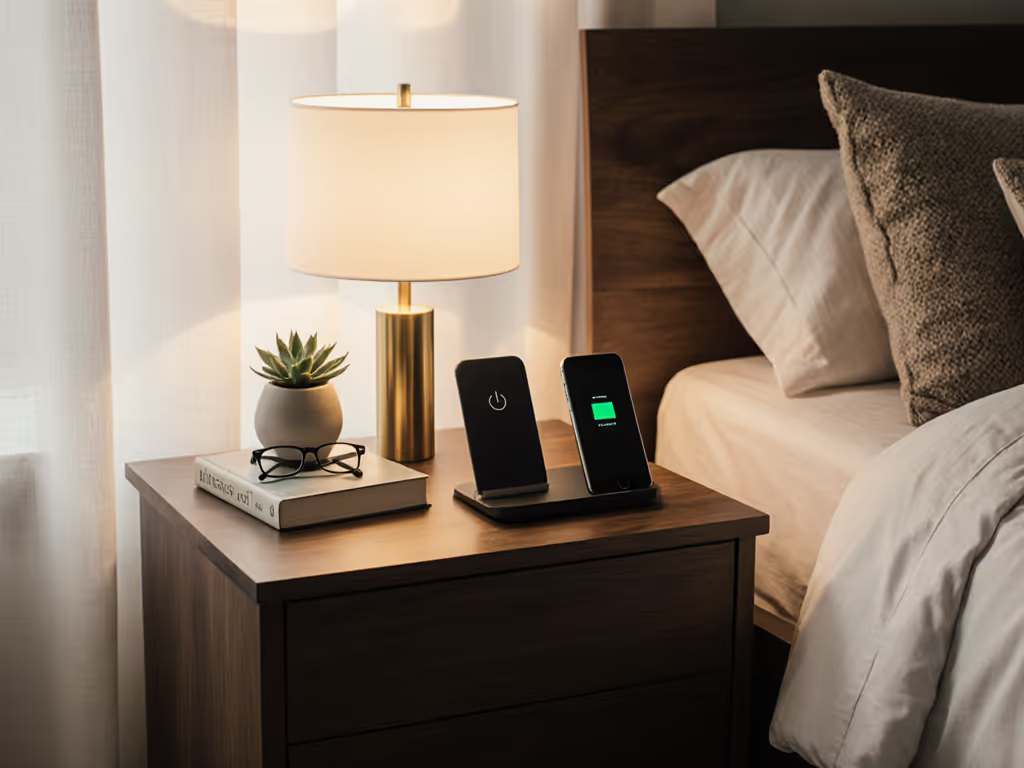
Example scenario: A 10-year-old places a phone on a stand charger in the bedroom after school. The charger is 10W, supports common cases up to 3mm thick, and has a subtle blue LED that glows when charging and turns off when full. The stand angle is 45 degrees, making it easy to see notifications. During hot weather, cabin temperature in the room peaks at 26°C; the open-vent design keeps the charger's top surface at 32°C, well within safe limits.
Teens (Ages 13–17)
Teens manage their own devices and often have multiple gadgets: phone, earbuds, smartwatch, maybe a tablet. They care about aesthetics and speed. They charge overnight and during study sessions, meaning thermal stability over 6-8 hours matters.
Best setup: A multi-device ecosystem with child-friendly power solutions that scale. A 15W single-device charger for the nightstand, paired with a multi-pad array for desk/workspace use. Teens should understand the trade-off between fast charging (more heat, shorter battery life over years) and moderate charging (cooler, healthier long-term battery wear). Offer the choice, but nudge them toward sleeping with a slower charger if battery longevity is the goal.
Alignment resilience becomes a lifestyle question: does the teen toss the phone onto the charger in the dark? If yes, a dock-style or rail charger is safer than a flat pad. If they're careful, a slim flat pad works and saves desk space.
Example scenario: A 15-year-old's phone charges overnight at 5W on a bedside stand charger. Cabin temperature in the room drops to 18°C; the cool environment means the phone's battery stays below 35°C during the entire 8-hour charge cycle. By morning, the battery is full, the phone is cool, and daily performance is snappy. During the day, when the phone needs a quick top-up before sports practice, the teen uses a 10W charger at the kitchen counter for 30 minutes. The slight extra heat is offset by the short duration.
Key Features That Make Chargers Kid-Safe
Overheat Protection and Thermal Feedback
A high-quality charger should halt charging if the phone exceeds a safe temperature threshold (usually 43°C for Qi chargers)[1]. However, a charger that silently throttles without user feedback is frustrating; the teen assumes the phone is charging, but it's actually paused. Look for chargers with LED or app-level notifications that communicate thermal states. This transparency builds trust and helps kids understand the relationship between heat, battery health, and charging speed.
Coil Alignment and Tolerance
Measure the charger's magnetic holding force (or lack thereof, for non-magnetic pads). A Qi pad with a tight tolerance (typically ±5mm alignment tolerance) means a phone placed casually will still charge efficiently. Magnetic Qi2 chargers (MagSafe for iPhones, various Android Qi2 designs) improve alignment automatically, reducing child-error charging misses. Note the ring position if the charger uses alignment guides; a ring at the bottom of the pad is less likely to snag a child's hand than a centered magnet.
Foreign Object Detection (FOD)
FOD stops charging if a metal object (hairpin, toy, coin) is placed on the pad. This is non-negotiable for kid-safe setups. Cheap Qi chargers skip FOD to save cents; they're worth avoiding.
Case Compatibility and Ring Clarity
Note case thickness limits. Most Qi chargers work with cases up to 3mm thick; some go to 5mm. For kids with ruggedized cases (which are thicker and more protective), verify that the charger's spec sheet lists support. A charger that won't work through a protective case defeats the purpose of wireless charging for a child. The kid will pull the case off, charge the phone naked, and get frustrated.
Cord and Power Brick Safety
An ideal kid-safe charger uses a short, integrated cord or a modular connector that's hard to unplug accidentally. Long cables draped across desks and nightstands are tripping hazards. Specify USB-C or proprietary connectors over micro-USB, which can fray and expose internal contacts. Power bricks should be low-profile and flush-mount designs; bulky wall warts that protrude are shin-splitters and catch fabric.
Multi-Device Households: Balancing iOS and Android
Most families today have a mix of iPhones, Android phones, and tablets. A kid-safe ecosystem should support all of them without buying separate chargers for each room.
Standard Qi chargers (5W-10W) work with any Qi-enabled device: iPhones 8 and later, Samsung Galaxy S6 and later, and most modern Android flagships[1]. A single 10W pad in a shared family charging station can top up mom's iPhone, dad's Pixel, and the child's tablet sequentially without any fuss.
Fast charging (15W) is mostly relevant for iPhones (MagSafe) and high-end Samsung/Pixel devices. If the household is Apple-first, a MagSafe charger for the nightstand is worth the extra cost; it aligns automatically, reducing frustration for sleepy kids fumbling in the dark. For Android-heavy families, a 10W Qi pad is often sufficient and cheaper.
The trade-off: Qi2 chargers (the next-generation standard) are emerging and will become ubiquitous by 2027-2028. Buying a premium Qi2-certified charger now future-proofs the setup; buying a cheap Qi-only charger risks obsolescence in a few years. For families, I recommend one flagship Qi2 charger per room and budget backup chargers elsewhere.
Room-by-Room Setup Guide
Bedroom (Kids)
- Goal: Cool, quiet, overnight charging.
- Recommended wattage: 5W (iPhone) or 10W (Android).
- Mount position: Elevated bedside stand, 30–45 degrees, out of direct sunlight.
- Venting: Open-sided design; no fans.
- Cable routing: Behind the nightstand or under the bed, out of sight.
- Case compatibility: Must support thick protective cases; specify ≥3mm clearance.
Example: A 5W Qi pad on an elevated stand charges an iPhone throughout the night. Thermal output is minimal. Cabin temperature stays cool. By morning, the phone is at 100% and the battery is fresh. Route duration: 8 hours. Stop frequency: none (overnight). Thermal margin: 10°C+ (plenty).
Shared Family Charging Station (Kitchen or Hallway)
- Goal: Quick top-ups for multiple devices; high throughput.
- Recommended wattage: 10W multi-pad array or 15W single charger (if device-specific).
- Mount position: Counter-level desk stand or wall-mounted at waist height.
- Venting: Active cooling (fans) acceptable here; ambient noise is tolerable in shared spaces.
- Cable routing: Single power brick, short cord; no clutter.
- Case compatibility: Support all family case types; verify specs.
Example: A three-pad charging array sits on the kitchen counter. Mom's iPhone goes on pad 1 (10W, MagSafe), dad's Pixel goes on pad 2 (10W, Qi), and the kid's tablet goes on pad 3 (5W, Qi). All three charge simultaneously for 20–30 minutes before school. Thermal margin is good; morning ambient is cool. Route duration: 30 min. Stop frequency: daily. No overheating risk.
Living Room or Playroom
- Goal: Visible, accessible charging during active use (FaceTime, video calls, games).
- Recommended wattage: 10W (video-compatible stand or dock).
- Mount position: Desk or low shelf, 45-60 degree stand angle.
- Venting: Open sides; elevated to allow airflow underneath.
- Cable routing: Single power brick, routed behind furniture.
- Case compatibility: Thick cases must fit; test orientation for games and video chat.
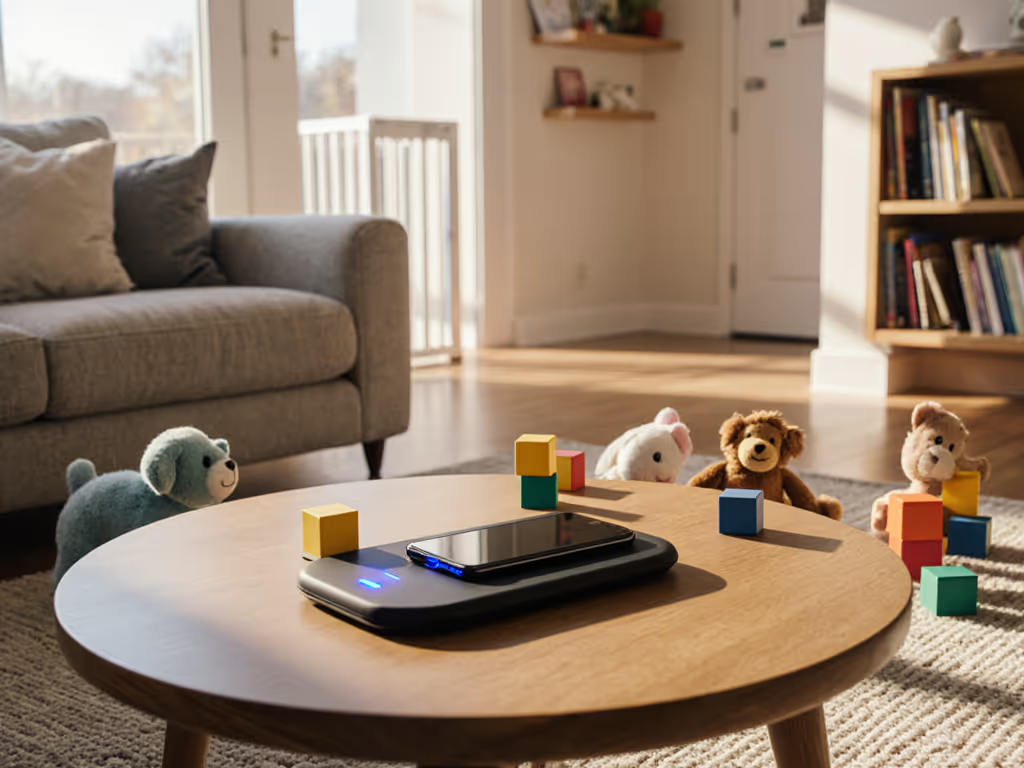
Example: A stand charger in the living room holds an iPad at 60 degrees. A child uses it for video calls with relatives while it charges. The 10W charger delivers enough power to compensate for the iPad's screen draw, so battery stays flat or slowly climbs. Cabin temperature: 22°C. Charger venting: front and back open. Thermal load: moderate, well-managed.
Car (Passenger Zone, Not Driver)
If a child regularly travels in your car and needs device access, a wireless car mount can work, but with caveats. Automotive heat is extreme: cabin temperatures can exceed 35°C in summer. Add the phone's charging heat, and you're risking battery thermal stress.
Best practice: Use wired charging in the car (cooler, faster) and save wireless for stationary settings. If wireless in the car is essential (e.g., Continuity Camera for video calls), use a passive (fan-less) vent mount, limit to 5W charging, and park in shade. Route duration: typically 20–40 minutes. Thermal margin: tight. Heat dissipation: reliant on cabin airflow and open vents. Before buying, learn how to verify genuine Qi2 certification to avoid unsafe knockoffs.
Practical Safety Checklist
- Certification: Qi-certified or Qi2-certified; avoid knockoffs.
- FOD enabled: Foreign object detection active and tested.
- Overheat protection: Charger halts if temperature exceeds safe threshold.
- Coil alignment tolerance: ±5mm or better; magnetic assist preferred.
- Case compatibility: Specified up to ≥3mm thickness; tested with child's case.
- Thermal limits: Top surface stays ≤40°C in typical room conditions.
- Cord and brick safety: Short, modular cables; flush-mount power brick; no trailing hazards.
- Visual feedback: LED or app-level indication of charging state and thermal throttle.
- Mounting stability: Charger won't tip if bumped; stand or mount is rated for weight.
- Quiet operation: No active fans or audible coil hum that distracts during sleep or study.
Common Mistakes to Avoid
Mistake 1: Buying the fastest charger. 15W or 20W chargers generate unnecessary heat in family settings. Kids don't need fast charging overnight or during study sessions. Moderate wattage (5-10W) with excellent thermal management beats max speed. If it slips, it's off the list, and overheating is a slip.
Mistake 2: Skipping FOD verification. Test foreign object detection in-store or request a return window. Place a paperclip or coin on the charger's pad; charging should stop within seconds. If it doesn't, the charger lacks FOD or it's malfunctioning. Don't bring it home.
Mistake 3: Ignoring case thickness. A charger spec'd for 2mm cases won't work with a child's protective case. You'll either charge the phone naked (defeating protection) or resort to a cable anyway, wasting money on the wireless charger.
Mistake 4: Mounting too high or too far. A charger on a high shelf is "safe" from a toddler but unreachable for a teenager. A charger across the room defeats the point. Mount at waist-to-elbow height, within arm's reach, and angle for comfortable hand-off.
Mistake 5: Pairing with a cheap power brick. A $30 charger paired with a $5 power brick will throttle or fail. If you need an affordable pick that still passes safety checks, start with our safe budget wireless chargers under $30 list. A charger's performance is capped by its power source. Invest in a certified USB-C power delivery brick (typically 18W-30W, depending on charger specs) and verify the charger's manual for minimum requirements.
Final Verdict: Kid-Safe by Design
Kid-safe wireless chargers aren't a special product category: they're general wireless chargers selected and installed with family priorities in mind. The winners align reliability, thermal stability, and safety certifications. The common thread: alignment and airflow determine success, just as they do in any charging context.
For toddlers: Keep chargers out of reach. No temptation, no problem.
For early elementary: A 10W Qi charger with FOD on a textured, stable platform. Flat, simple, durable.
For older kids and teens: Match wattage to device type (iPhone 5-10W, Android 10-15W) and usage pattern (overnight = cooler, lower wattage; quick top-up = higher wattage acceptable). Magnetic alignment (MagSafe, Qi2) reduces fumbling-in-the-dark errors.
For multi-device households: One flagship Qi2 charger per room; budget backup Qi chargers elsewhere. Qi is backward-compatible and will support new devices for years.
Invest in family-safe wireless power that prioritizes thermal management, coil alignment, and visible safety feedback. Test FOD and case compatibility before committing. Route cords and bricks safely, away from foot traffic. Educate kids on the relationship between heat, battery health, and charging speed, not as a rule, but as insight that makes them responsible users.
The payoff: a kid who charges a device independently, understands the ecosystem, and comes home with a phone that lasts three years instead of two. Reliability pays back faster than you'd expect.
Related Articles